 LinNote
Scratchpad for Linux
The fastest scratchpad for Linux
A keyboard-driven note-taking app with built-in calculator, timers, and more. Built for KDE Plasma with Qt6.
v2.0.1 📦 — downloads ⭐ — stars MIT
Install
Three ways in
Pick the one your distribution uses. Each build is tested on the system it is named after.
🐧 Universal
Fedora, Debian, Ubuntu and the distributions built on them. Detects your system, installs the dependencies, drops in the binary.
curl -fsSL https://linnote.app/install.sh | bash
🔷 Arch Linux (AUR)
Builds from source against your own Qt and OpenSSL, so it keeps working across rolling updates.
yay -S linnote
📦 Flatpak
For immutable systems. Download the bundle from the latest release, then install it. OCR does not work in the sandbox yet.
flatpak install linnote-2.0.1.flatpak
GNOME users: the global hotkey binds on GNOME since 2.0.1. Nothing to configure by hand any more. Learn more →
See it in action
Explore LinNote's powerful features and beautiful interface
Every page is a mode. Type a keyword on a blank line and the page becomes a calculator, a checklist, a code block, a timer or a markdown document.
01 / CALC
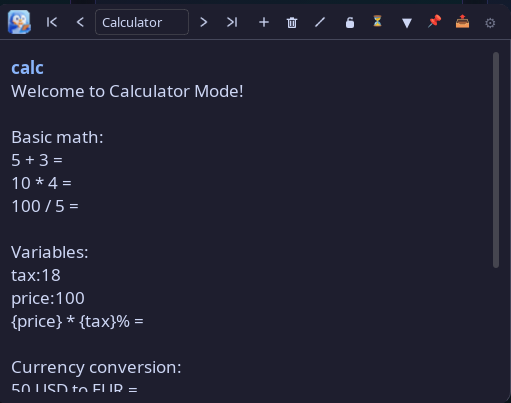
Smart Calculator with variables and functions
Finish a line with an equals sign and the answer lands in place. Variables, functions, percentages, unit and currency conversion on the same line.
02 / LIST
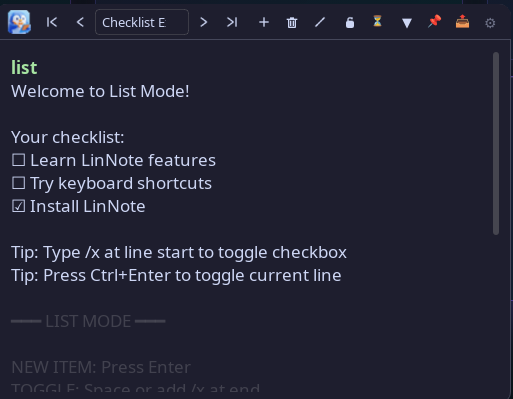
Interactive Checklist Mode
Type list and every new line becomes a checkbox you can tick with the keyboard.
03 / STATS
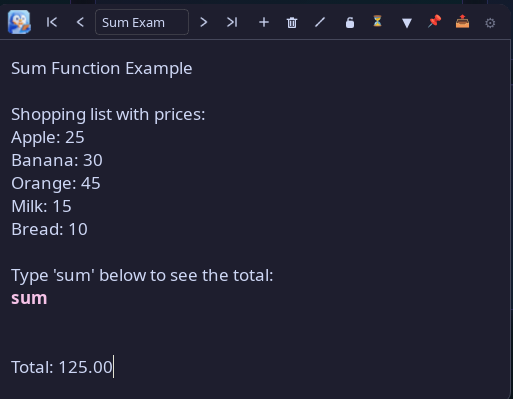
Built-in Statistical Functions
sum, avg and count read the numbers already on the page. No selecting, no re-typing.
04 / TEXT
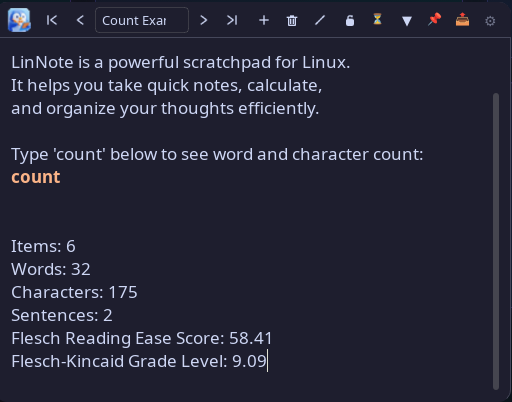
Word Count & Text Analysis
Character and word counts for the page you are on, without leaving it.
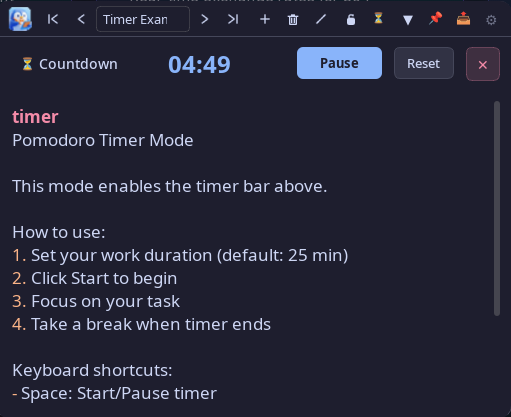
05 / TIMER
Countdown Timer & Pomodoro
Stopwatch, countdown and Pomodoro live in a page like everything else.
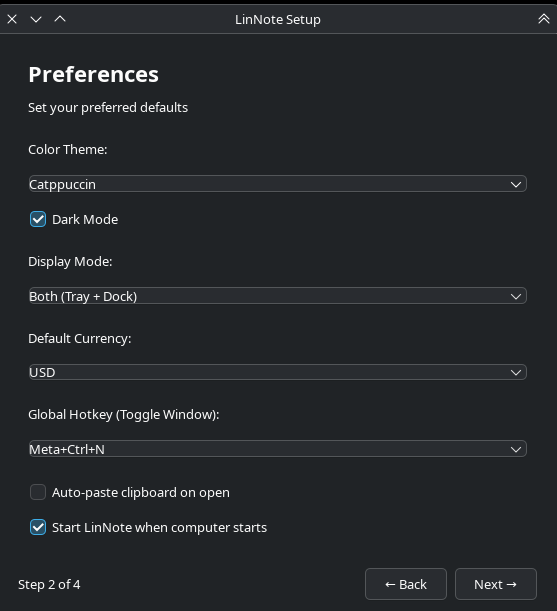
06 / SETUP
First Run Setup Wizard
Theme, currency, hotkey and encryption, chosen once on first launch.
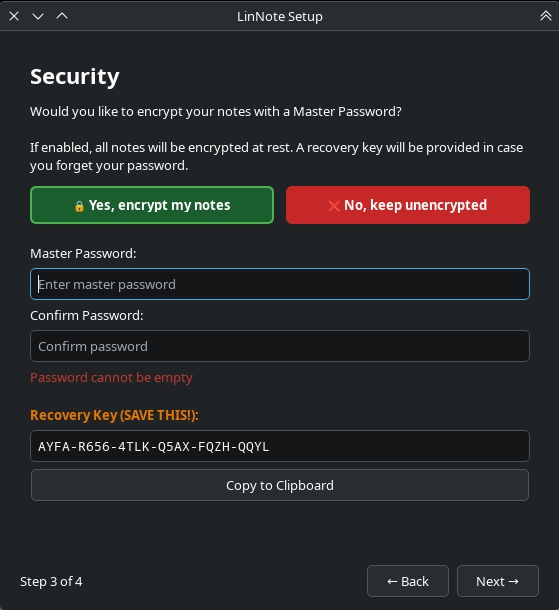
07 / LOCK
Note Encryption with Recovery Key
Lock a page with a password. Since 2.0.0 the content is sealed with AES-256-GCM and a key derived with PBKDF2.
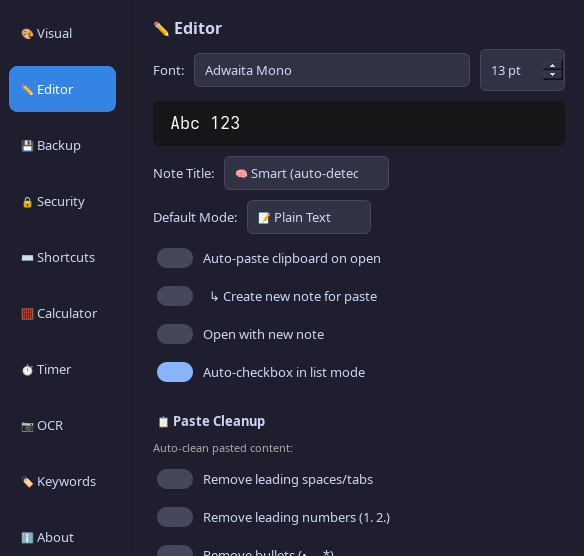
08 / EDITOR
Customizable Editor Settings
Font, size, indentation and paste cleanup, all in one panel.
09 / KEYS
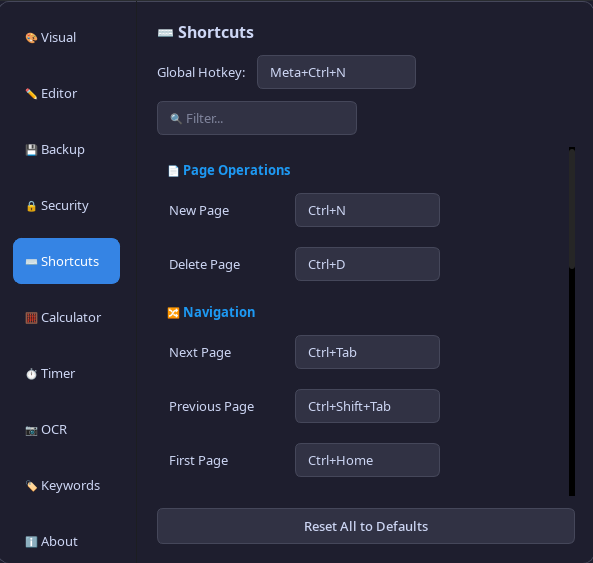
Configurable Keyboard Shortcuts
Every action has a key, and every key can be changed.
10 / ABOUT
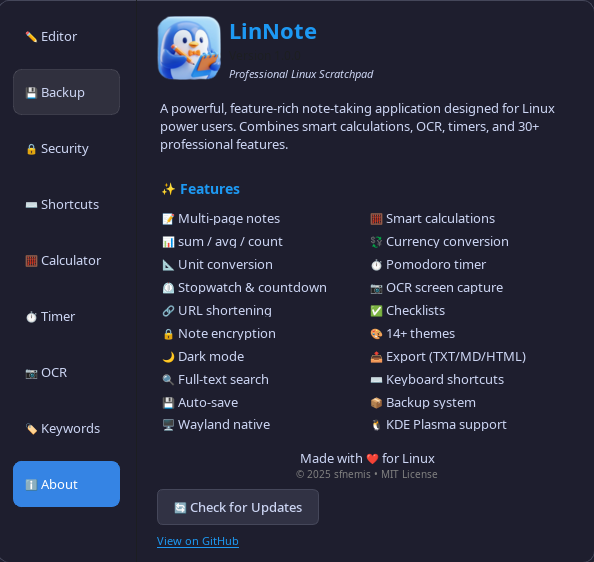
Feature-Rich Application
Version, licence and update check, where you expect them.
Everything you need
Powerful features packed into a lightweight app
CALC
🧮 Smart Calculator
Type math expressions and get instant results. Variables, functions, percentages.
RATES
💱 Currency Conversion
Real-time exchange rates for 30+ currencies including crypto.
UNITS
📐 Unit Conversion
Convert length, weight, temperature, volume, and more instantly.
TIME
⏱️ Built-in Timers
Stopwatch, countdown, and Pomodoro for maximum productivity.
OCR
📷 OCR Capture
Extract text from any area of your screen with Tesseract.
CRYPTO
🔒 Encryption
Protect sensitive notes with master password and recovery key.